Logitech MX Master 3S Review (2026)
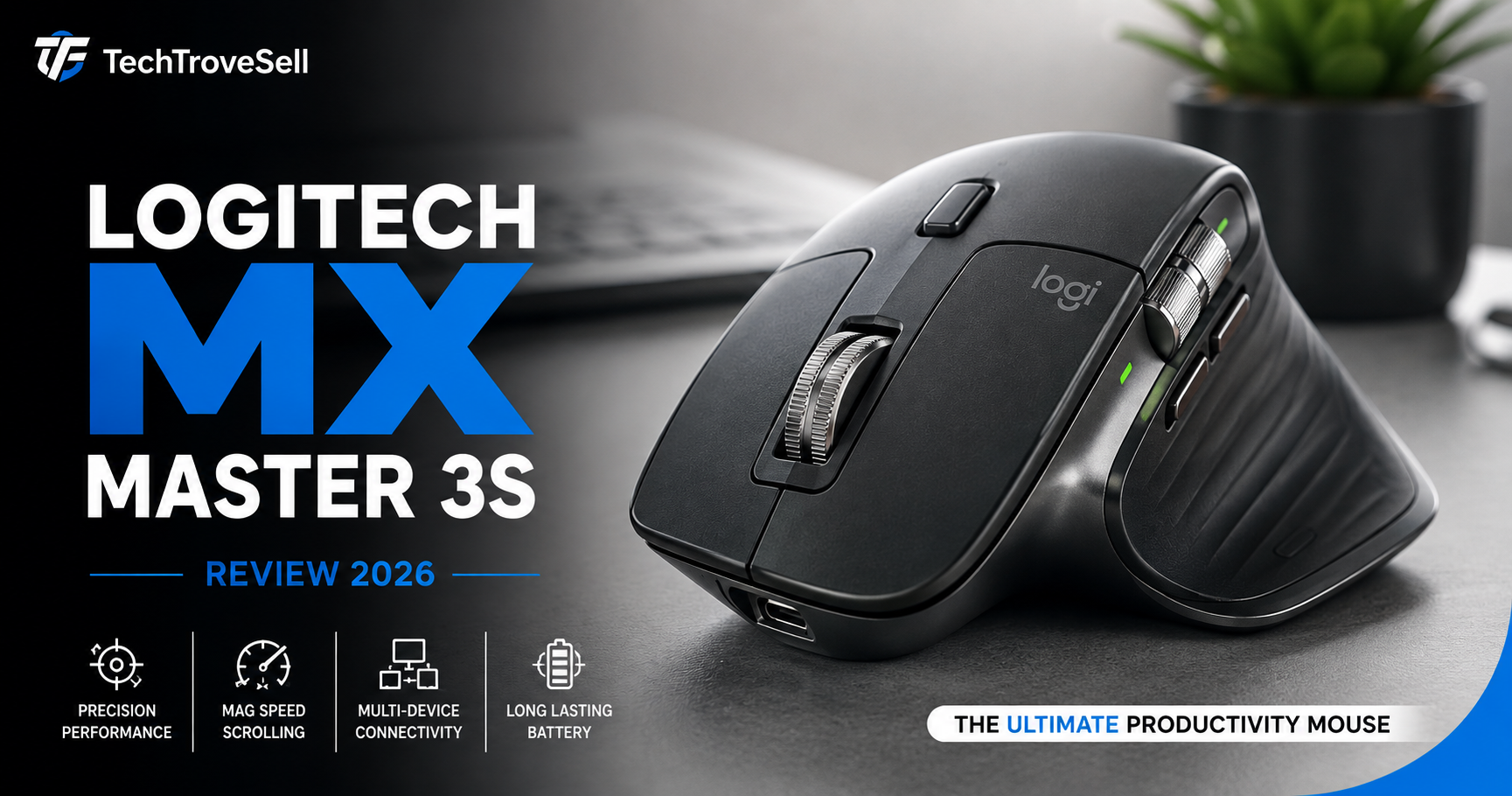
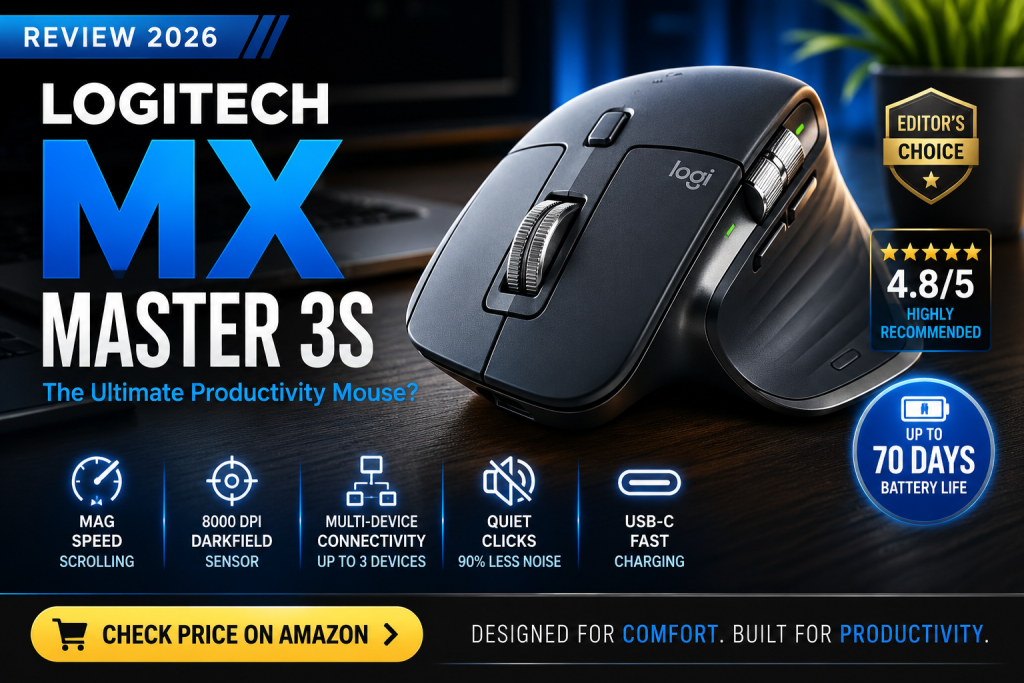
The Logitech MX Master 3S continues to be one of the most popular premium productivity mice available today. Designed for professionals, creators, programmers, and office users, it combines exceptional comfort, ultra-quiet clicks, customizable controls, and long battery life into one refined package.
In this review, we’ll evaluate its design, performance, software experience, battery life, strengths, weaknesses, and whether it’s still worth buying in 2026.


Quick Verdict
If you’re looking for the best productivity mouse for work, content creation, and multitasking, the MX Master 3S remains one of the strongest options. While it’s not designed for competitive gaming, it excels in comfort, precision, customization, and cross-device workflow.
| Pros | Cons |
|---|---|
| Excellent ergonomics | Expensive |
| Silent buttons | Large for travel |
| Outstanding battery life | Not ideal for gaming |
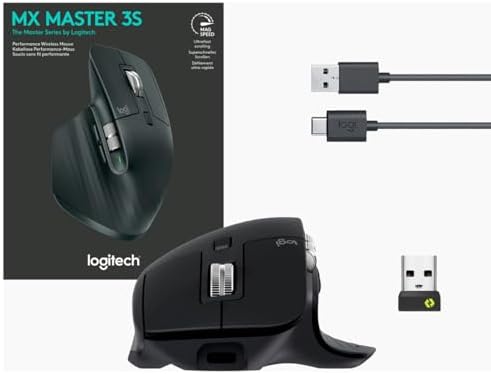
| Works with multiple devices | USB receiver sold separately in some regions |
| Premium build quality | Learning curve for advanced features |
Specifications
| Feature | Details |
|---|---|
| Connectivity | Bluetooth + Logi Bolt |
| DPI | Up to 8000 DPI |
| Battery | USB-C Rechargeable |
| Battery Life | Up to 70 Days |
| Weight | 141 g |
| Multi-device | Yes (3 devices) |
| Scroll Wheel | MagSpeed Electromagnetic |
Design & Build Quality
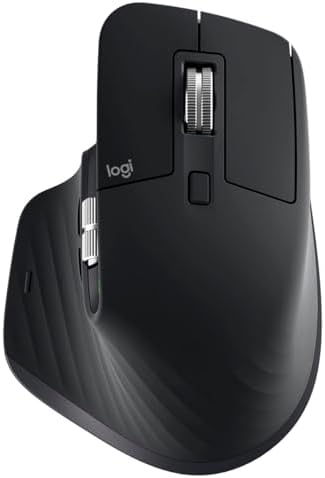
Comfort is where the MX Master 3S truly excels. Its contoured shape supports the palm and thumb naturally, making it ideal for office work, coding, graphic design, video editing, and other productivity tasks.
The dedicated thumb rest, strategically placed side buttons, and gesture controls allow frequently used commands to be executed without unnecessary hand movement. Users with medium to large hands are likely to find the mouse exceptionally comfortable, while those with smaller hands may find it slightly oversized.
For users who spend several hours each day at a computer, the ergonomic design can help reduce fatigue compared to standard office mice.

Performance
Equipped with Logitech’s 8,000 DPI Darkfield sensor, the MX Master 3S delivers precise tracking on virtually any surface, including glass. Cursor movement remains smooth and accurate whether you’re editing spreadsheets, navigating multiple monitors, or performing detailed creative work.
The upgraded silent switches significantly reduce click noise while preserving a satisfying tactile feel. Combined with the MagSpeed scroll wheel and customizable buttons, the overall performance is tailored for productivity rather than gaming.
Multi-device support allows seamless switching between up to three paired devices, making it especially useful for professionals who work across multiple computers.
Logitech Options+ Software
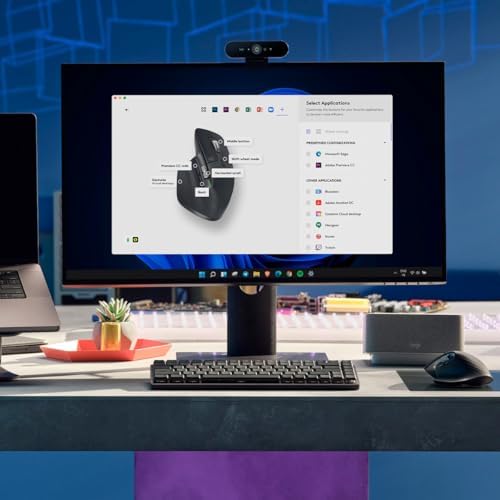
The MX Master 3S becomes significantly more powerful when paired with Logitech’s Options+ software. The application allows users to customize button functions, adjust pointer sensitivity, configure gesture controls, and create application-specific profiles.
For example, the thumb wheel can control horizontal scrolling in spreadsheets, timeline navigation in video editing software, or brush size in creative applications. These customizations can automatically change depending on the software you’re using.
While the mouse works perfectly without the software, installing Options+ unlocks its full potential and greatly enhances productivity for power users.
Battery Life
Battery performance is one of the MX Master 3S’s strongest features. Logitech rates the rechargeable battery for up to 70 days of typical use on a full charge, though actual battery life will vary based on usage patterns and settings.
Charging is handled via a modern USB-C connection, making it convenient for users with contemporary laptops and accessories. Even a short charging session can provide several hours of use, helping minimize downtime.
For professionals who rely on their mouse every day, the long battery life means fewer interruptions and less frequent charging.
Real-World Experience
During everyday use, the MX Master 3S feels exceptionally refined. Whether editing documents, managing large spreadsheets, browsing the web, or working with creative software, the combination of silent clicks, precise tracking, and the MagSpeed scroll wheel creates a smooth and enjoyable experience.
Switching between multiple computers is quick and reliable using Easy-Switch, making it especially valuable for users who work across a desktop, laptop, and tablet.
After extended use, the ergonomic shape continues to provide excellent comfort, making it well suited for long work sessions.
Who Should Buy It?
- Professionals working long hours at a computer
- Programmers and software developers
- Graphic designers and photographers
- Video editors
- Office workers managing large spreadsheets
- Users with multiple computers
- Anyone seeking a premium productivity mouse
Who Should Avoid It?
- Competitive FPS gamers looking for an ultra-light gaming mouse
- Users with very small hands
- Buyers on a tight budget
- People who only need a basic wireless mouse
AlternativesAlternatives
While the Logitech MX Master 3S is one of the best productivity mice available, it may not be the perfect choice for everyone. Depending on your needs and budget, several excellent alternatives are worth considering.
Logitech MX Anywhere 3S is a great option for users who travel frequently or prefer a more compact mouse without sacrificing premium features.
Logitech Lift Vertical Ergonomic Mouse is designed for users who prioritize wrist comfort and a more natural hand position during long work sessions.
For gamers or users who need an ultra-light mouse for fast-paced gameplay, dedicated gaming mice from Logitech G or other brands may be a better fit.
Final Verdict
The Logitech MX Master 3S continues to set the standard for premium productivity mice in 2026. Its exceptional ergonomics, quiet clicks, precise tracking, long battery life, and extensive customization options make it an outstanding choice for professionals and creators.
While its premium price may not suit every budget, the overall experience and productivity benefits justify the investment for users who spend hours working on a computer each day.
Overall Rating: ⭐⭐⭐⭐⭐ (4.8/5)
Bottom Line: If your priority is productivity, comfort, and reliability, the Logitech MX Master 3S remains one of the best wireless mice you can buy.
Frequently Asked Questions
Is the Logitech MX Master 3S good for gaming?
The MX Master 3S is designed primarily for productivity rather than competitive gaming. While it performs well for casual gaming, dedicated gaming mice offer lighter designs and higher polling rates.
Does the MX Master 3S work with Mac?
Yes. It is fully compatible with both Windows and macOS and supports Bluetooth connectivity as well as the Logi Bolt receiver.
Can the MX Master 3S connect to multiple devices?
Yes. It can pair with up to three devices and switch between them using the Easy-Switch button.
How long does the battery last?
Under typical use, Logitech advertises up to 70 days of battery life on a full charge. Actual battery life may vary depending on usage and settings.
Is the MX Master 3S worth buying in 2026?
For professionals, creators, and office users who value comfort, customization, and reliability, the MX Master 3S remains an excellent choice in 2026.